Premium Trading Indicators for TradingView, MT4 & MT5
Discover TradingView indicators, MT4 indicators and MT5 indicators from VIP Algos, with buy and sell signals, trend analysis and trading zones. Choose your platform and explore tools for forex, gold XAUUSD, crypto and other supported markets.
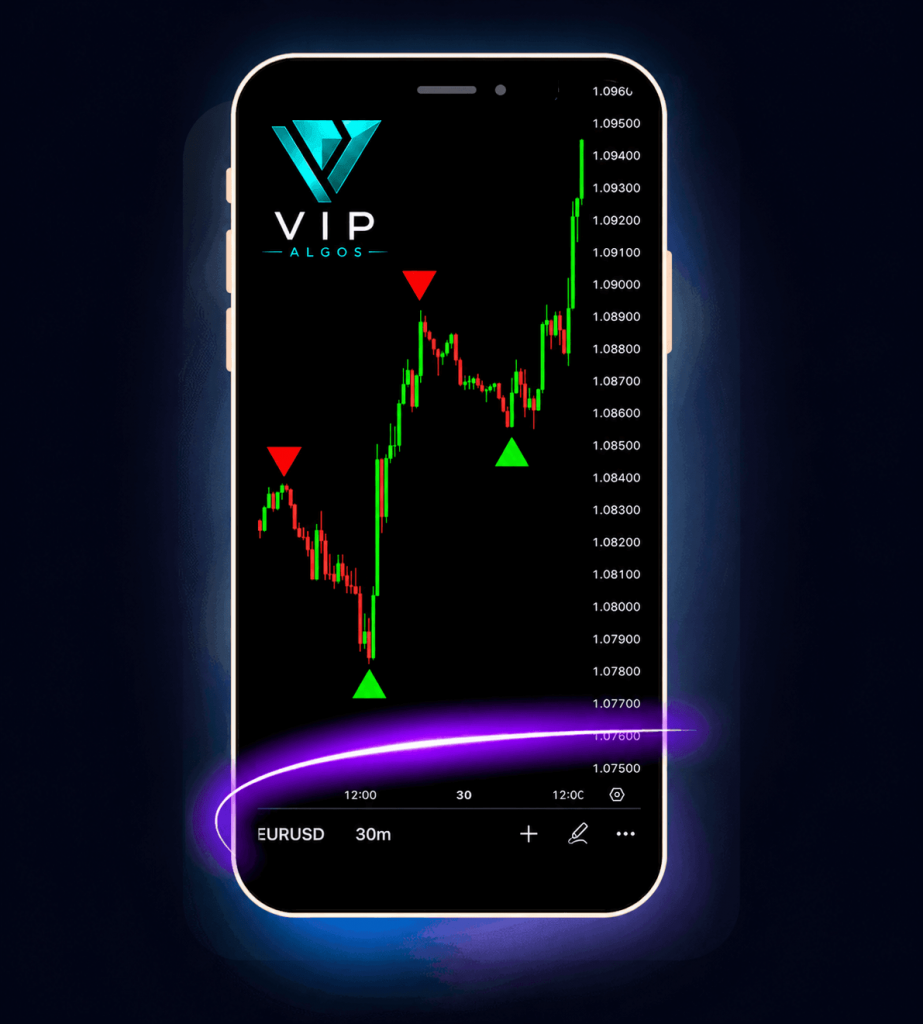
- Buy & sell signals
- Trend analysis
- Price zones
- Scalping & day trading
Find trading indicators for your platform
Start with the platform you use. TradingView indicators, MetaTrader 4 indicators and MetaTrader 5 indicators need their own compatible versions. Use the catalogue links below to explore the right collection.
TradingView indicators
Explore VIP Algos tools for TradingView charts, including visual buy and sell signals, trend tools, chart patterns and key price zones. Open an indicator page to view its chart examples, features and TradingView access instructions.
View TradingView IndicatorsMT4 indicators
Browse MetaTrader 4 indicators for buy and sell signals, scalping, trend analysis and support and resistance zones. Explore the VIP Algos MT4 collection, choose the MetaTrader 4 version of your tool and follow its desktop setup guide.
View MT4 IndicatorsMT5 indicators
Discover MetaTrader 5 indicators for buy and sell alerts, gold XAUUSD analysis, market strength and price zones. Compare the VIP Algos MT5 tools, review their features and select the MetaTrader 5 version for your desktop charts.
View MT5 IndicatorsSite Links
Explore the VIP Algos website, browse indicator collections and bundles, or find contact and access information.
TradingView Indicators
Browse the VIP Algos trading indicator directory for signal tools, strength meters, chart patterns, market structure and price-zone analysis. The links below open individual product pages; check each page for the available platform versions and features.
- Scalping Prediction Pro
- XAUUSD Gold Strength Meter
- Currency Strength Meter
- Crypto Strength Meter
- AI Volume Profile Zones
- AI Trading Signal Scanner
- AI Trading Swing Predictor
- AI Supply & Demand Zones
- AI Trading Reversal Zones
- AI Pattern Match Predictor
- AI Order Blocks & Fair Value Gap Zones
- AI Liquidity Sweep Signals
- AI Gold XAUUSD Trading Predictor
- AI Buy & Sell Strength Zones
- Forex Sentiment & Gold Sentiment
- TrendX
- Trading Forecast Wave
- Trading Journal
- AI Buy Sell Zones
- AI Support Resistance
- Smart Money AI Signals
- Scalper Pro X
- Trade Predictor AI
- Trading Breakout Levels
- Trading Signal Suite
- Smart Money Concepts
- Fibonacci Retracement Pro
- VIP Market Scanner
- Market Prediction Indicator
- Cloud Band Signals
- Support & Resistance Matrix
- Trend Navigator VIP Oscillator
- Chart Patterns
- Scalping Indicators
- Risk Reward Planner
- Forex Sentiment
- Live Currency Strength Meter
Looking specifically for MetaTrader tools? Use the MT4 indicator catalogue or MT5 indicator catalogue to browse by platform before choosing a product.
MT4 Indicators (MetaTrader 4)
- 5+ VIP Algos Indicator Bundle (MT4)
- Trading Forecast Wave Indicator (MT4)
- Trade Predictor AI Indicator (MT4)
- Trading Signal Suite Indicator (MT4)
- Scalping Indicators (MT4)
- Scalper Pro X Indicator (MT4)
- Smart Money AI Signals Indicator (MT4)
- 5+ Chart Pattern Indicators (MT4)
- Trading Breakout Levels Indicator (MT4)
- AI Support Resistance Indicator (MT4)
- Fibonacci Retracement Pro Indicator (MT4)
- TrendX Indicator (MT4)
- Smart Money Concepts Indicator (MT4)
- AI Buy Sell Zones Indicator (MT4)
- AI Buy & Sell Strength Zones Indicator (MT4)
- AI Gold XAUUSD Trading Predictor (MT4)
- AI Liquidity Sweep Signals Indicator (MT4)
- AI Order Blocks & Fair Value Gap Zones (MT4)
- AI Pattern Match Predictor (MT4)
- AI Trading Reversal Zones Indicator (MT4)
- AI Supply & Demand Zones Indicator (MT4)
- AI Trading Swing Predictor (MT4)
- AI Trading Signal Scanner (MT4)
- AI Volume Profile Zones Indicator (MT4)
- XAUUSD Gold Strength Meter (MT4)
- Scalping Prediction Pro (MT4)
- Forex & Gold Sentiment (MT4)
- Currency Strength Meter (MT4)
- Crypto Strength Meter (MT4)
MT5 Indicators (MetaTrader 5)
- 5+ VIP Algos Indicator Bundle (MT5)
- Trading Forecast Wave Indicator (MT5)
- Trade Predictor AI Indicator (MT5)
- Trading Signal Suite Indicator (MT5)
- Scalping Indicators (MT5)
- Scalper Pro X Indicator (MT5)
- Smart Money AI Signals Indicator (MT5)
- 5+ Chart Pattern Indicators (MT5)
- Trading Breakout Levels Indicator (MT5)
- AI Support Resistance Indicator (MT5)
- Fibonacci Retracement Pro Indicator (MT5)
- TrendX Indicator (MT5)
- Smart Money Concepts Indicator (MT5)
- AI Buy Sell Zones Indicator (MT5)
- AI Buy & Sell Strength Zones Indicator (MT5)
- AI Gold XAUUSD Trading Predictor (MT5)
- AI Liquidity Sweep Signals Indicator (MT5)
- AI Order Blocks & Fair Value Gap Zones (MT5)
- AI Pattern Match Predictor (MT5)
- AI Trading Reversal Zones Indicator (MT5)
- AI Supply & Demand Zones Indicator (MT5)
- AI Trading Swing Predictor (MT5)
- AI Trading Signal Scanner (MT5)
- AI Volume Profile Zones Indicator (MT5)
- XAUUSD Gold Strength Meter (MT5)
- Scalping Prediction Pro (MT5)
- Forex & Gold Sentiment (MT5)
- Currency Strength Meter (MT5)
- Crypto Strength Meter (MT5)
Choose indicators around the way you trade
Start with the information you want your chart to show. A signal tool, a strength meter and a support-and-resistance tool answer different questions, so compare their purpose before adding more indicators.
-
Buy and sell trading indicators & trend analysis
Compare Trading Signal Suite, Smart Money AI Signals and TrendX for different approaches to potential setups and market direction. Review the chart examples to see how each tool presents its signals or trend information.
-
Scalping & day trading indicators
Explore Scalping Prediction Pro, Scalper Pro X and the Scalping Indicators collection. Compare their supported settings, timeframes and alert options with the pace at which you review charts.
-
Price zones, market structure & strength meters
Browse AI Support Resistance and Smart Money Concepts for level and structure analysis. For a specific market focus, explore the XAUUSD Gold Strength Meter, Currency Strength Meter or Crypto Strength Meter.
Best Trading Books
Explore VIP Algos books on price action, chart patterns and trading basics. Use the topics below to find learning resources that complement the chart tools you are researching.
Trading indicator questions
What do MT4 and MT5 stand for?
MT4 is short for MetaTrader 4, and MT5 is short for MetaTrader 5. MT4 indicators and MetaTrader 4 indicators refer to tools for the same platform; MT5 indicators and MetaTrader 5 indicators refer to tools for MetaTrader 5. They are separate platforms, so choose the correct version of your indicator.
Can I use the same indicator file on TradingView, MT4 and MT5?
Each platform needs its own compatible indicator version. A TradingView script does not install directly into MetaTrader, and MT4 and MT5 indicator files are not interchangeable. Use the platform catalogues above and check the options on the individual product page.
What are buy and sell trading indicators?
Buy and sell trading indicators highlight potential setups using the rules built into the tool. Depending on the product, they may display chart signals, alerts, trend information or key price areas. Review the signal explanation and settings in the product guide so you understand what each alert represents.
Are these indicators only for forex?
The VIP Algos range includes forex, gold XAUUSD and crypto tools, alongside indicators for other supported markets. Coverage depends on the individual tool, the platform and the available market data. Choose a market-specific tool where appropriate and check the product details for compatibility.
How do I choose my first trading indicator?
Choose your platform first, then decide whether you need signals, trend analysis, key levels or market strength. Compare the relevant chart examples, read the setup guide and try the settings on a demo chart. Start with a tool whose purpose and signals you understand.
Free Trading Tools
Use free VIP Algos trading calculators and tools to plan position size, pip value, margin, profit and loss, drawdown and market sessions.
- Forex Lot Size Calculator
- Forex Margin Calculator
- Forex Profit Calculator
- Gold Profit Calculator
- Forex Pip Calculator
- Prop Firm Challenge Calculator
- Candlestick Patterns
- Forex Market Hours & Trading Sessions
- Chart Pattern Recognition Trainer
- Forex Sentiment Dashboard
- Live Currency Strength Meter
- Prop Firm Pass Probability Calculator
